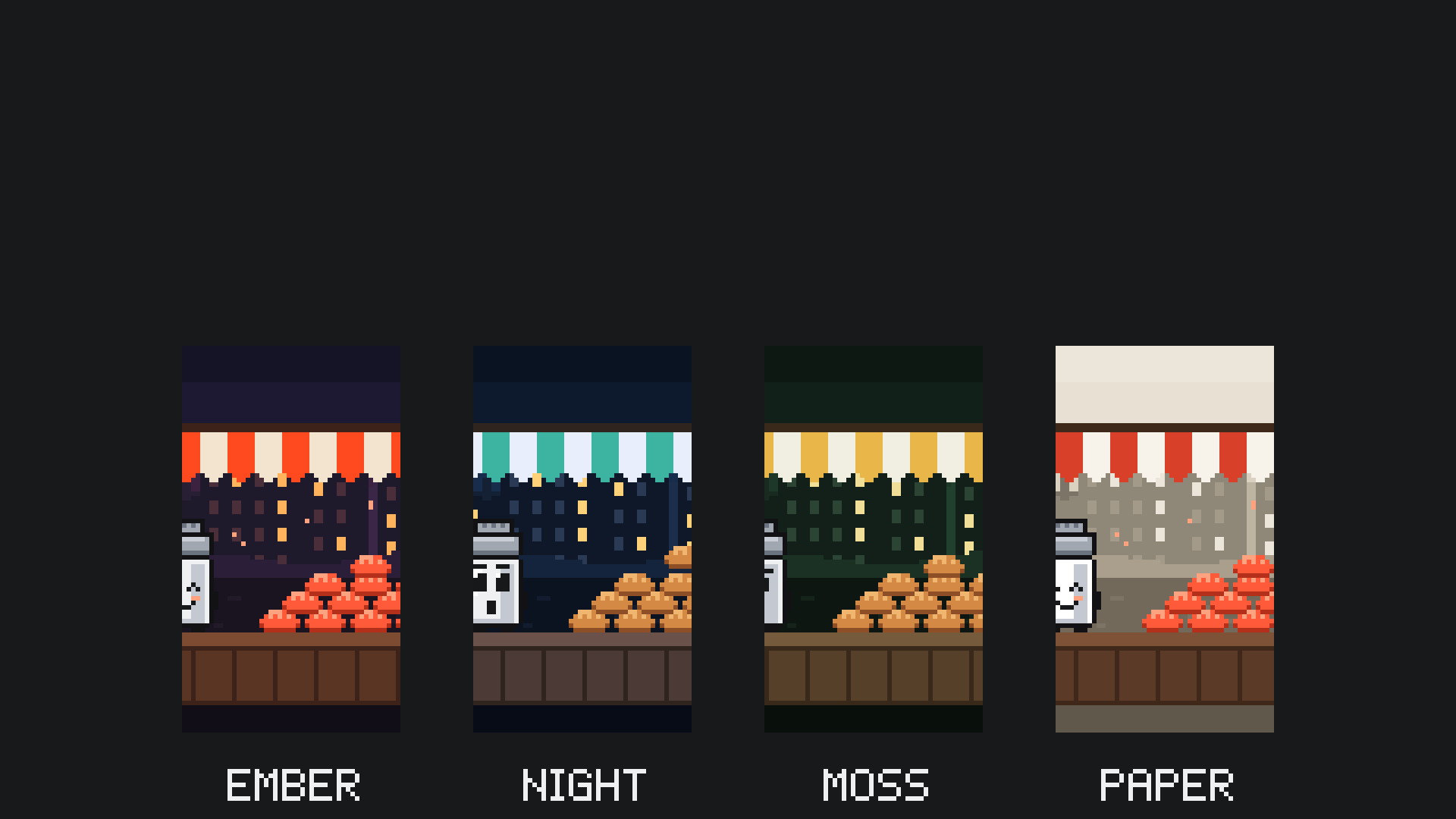
Define
Answer the Identity Interview once. Your answers become a style guide you test on your phone, and every short after follows it.

Turn any idea into an original animated short, from crisp pixel art to a style that's only yours. A 119-page guide: your first short in about a day.
Our own channel, @science_in_8bit, is made with the method in this book. These are its biggest films so far. Tap one to watch it with sound.
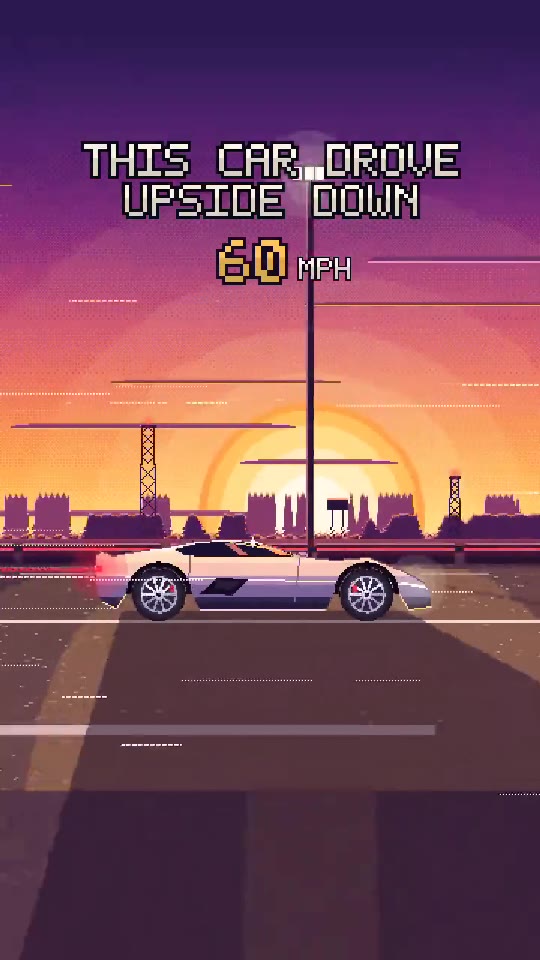 This car drove upside down1.1M views
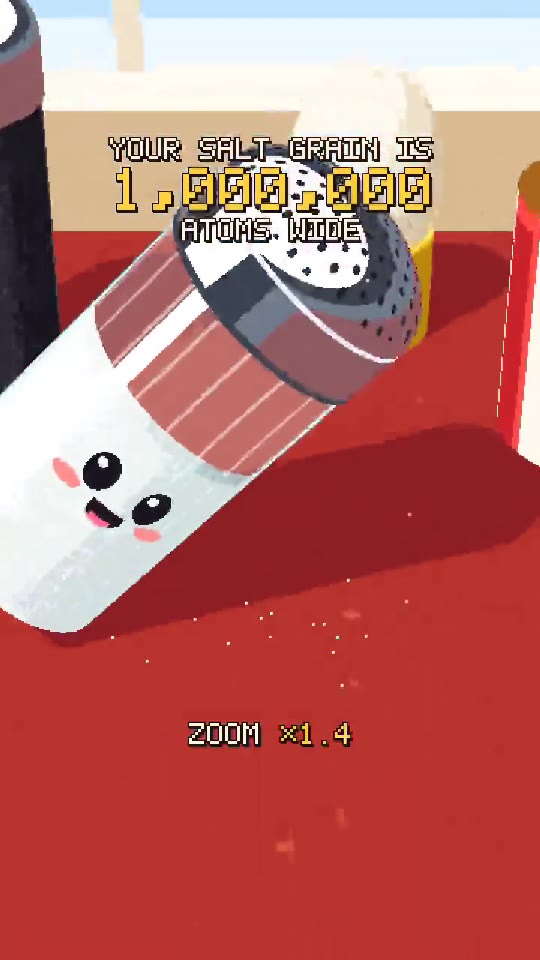 Your salt grain is a million atoms wide444K views
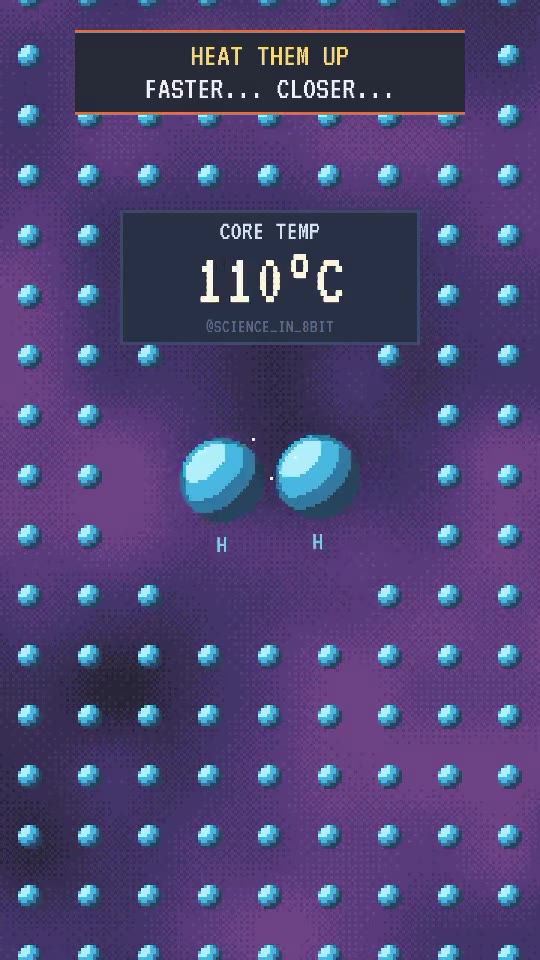 How the Sun shines374K views
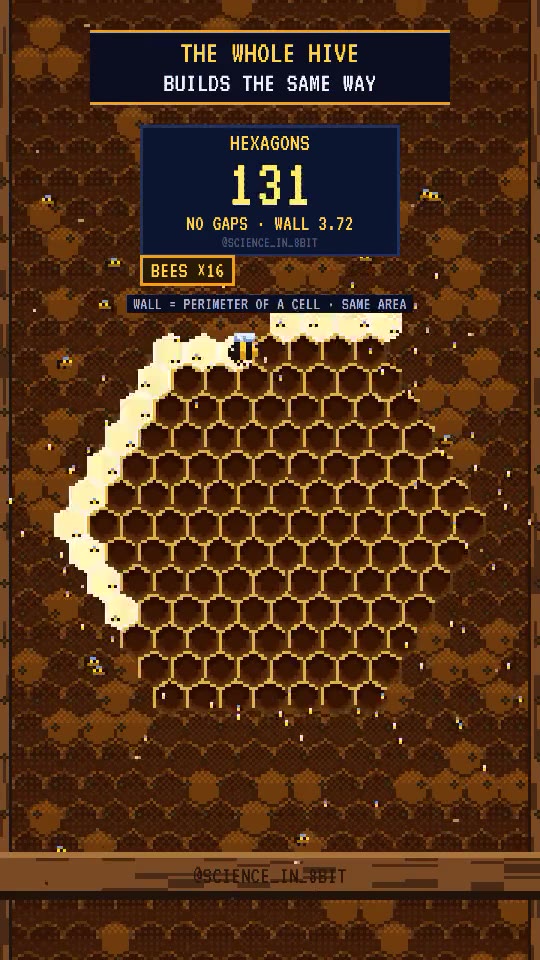 Why bees build hexagons215K views
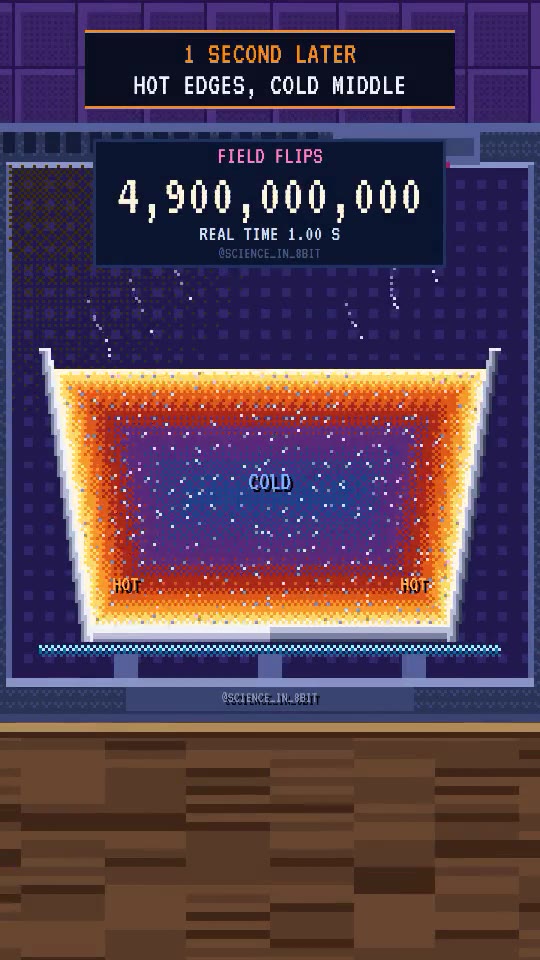 Why the middle stays cold206K views
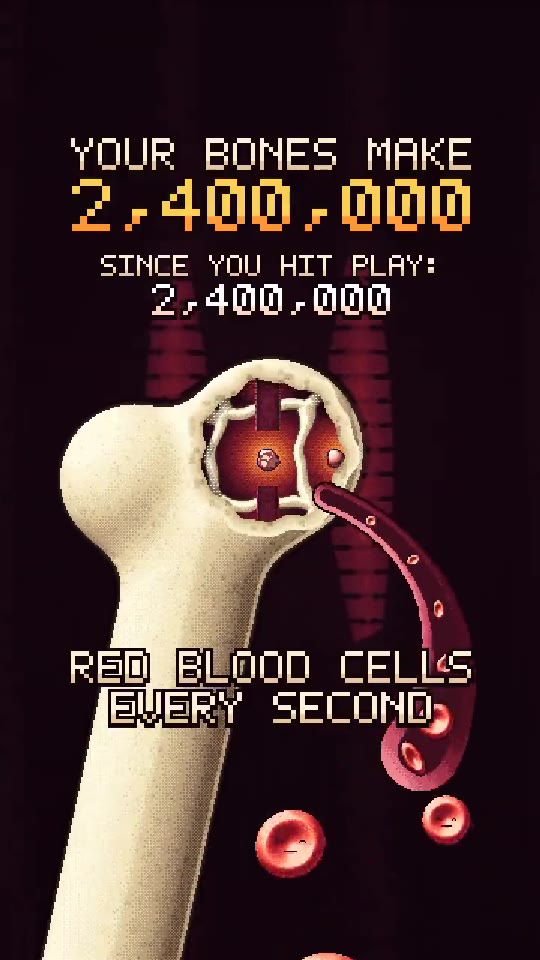 2.4 million blood cells a second204K views
Counted on Instagram on 21 October 2026, the channel’s ninth day. Your results will depend on your ideas, your niche and your consistency; nobody can promise views.
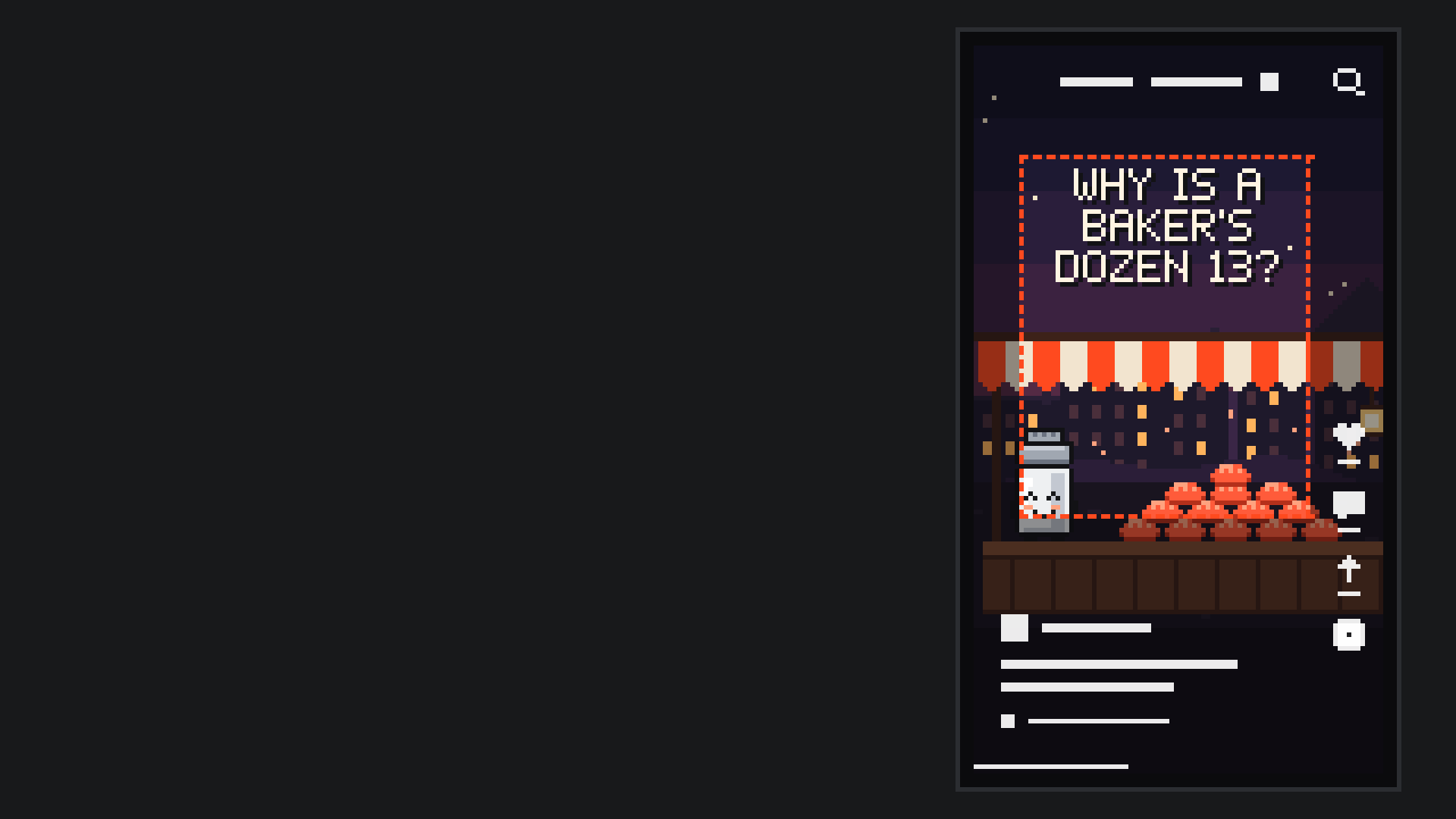
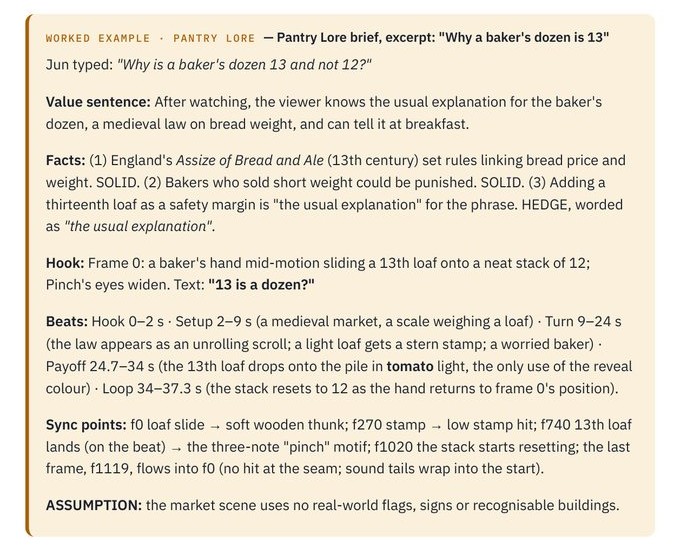
Pinch the salt shaker, from the book's worked example on Jun's channel, Pantry Lore.
The short on the left is yours to direct. Everything you change below changes it at once, the way your studio will.
Every short starts from one idea of yours, checked with two sources per claim. Type yours and it becomes the opening title, set where a phone can read it.
The Identity Interview's ten blocks of questions become your own style guide: colours, characters, tone and music mood. Pixel art is the look on show here; flat vector, paper cut-out, low-poly 3D, motion graphics and ink line art work too.
Original characters with expressions, poses and natural blinks, true to themselves in every video. Nobody hands you a character: Pinch is the book's example, and yours will be your own.
Worlds with depth: the far hills drift, the town slides, the stall comes forward. The camera glides, zooms and settles, and the last frame flows into the first, so the loop has no seam.
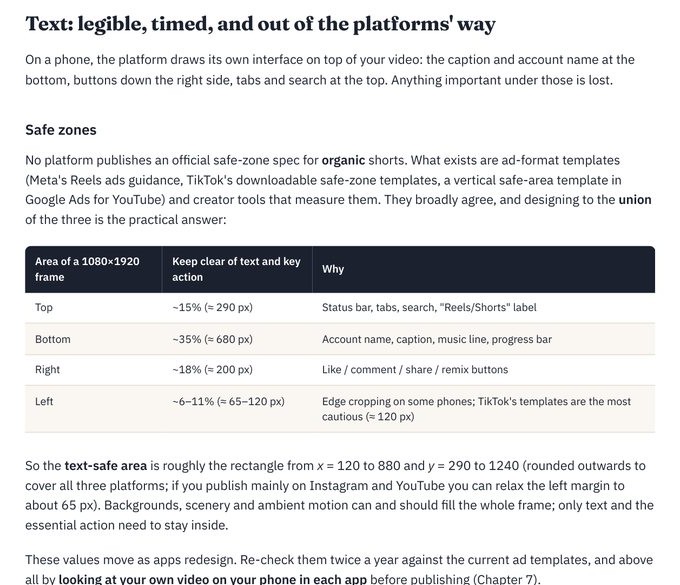
Each app draws its own likes, captions and tabs over your video. Big, timed words stay inside the clear area, so nothing important hides.
Your own music and sound effects, made for each video and landing exactly on what happens on screen. Nothing to license. Here, a soft thunk and a three-note motif as the thirteenth loaf lands.
A cover still for every video, previewed the way it sits in your profile grid, beside the shorts that came before it.
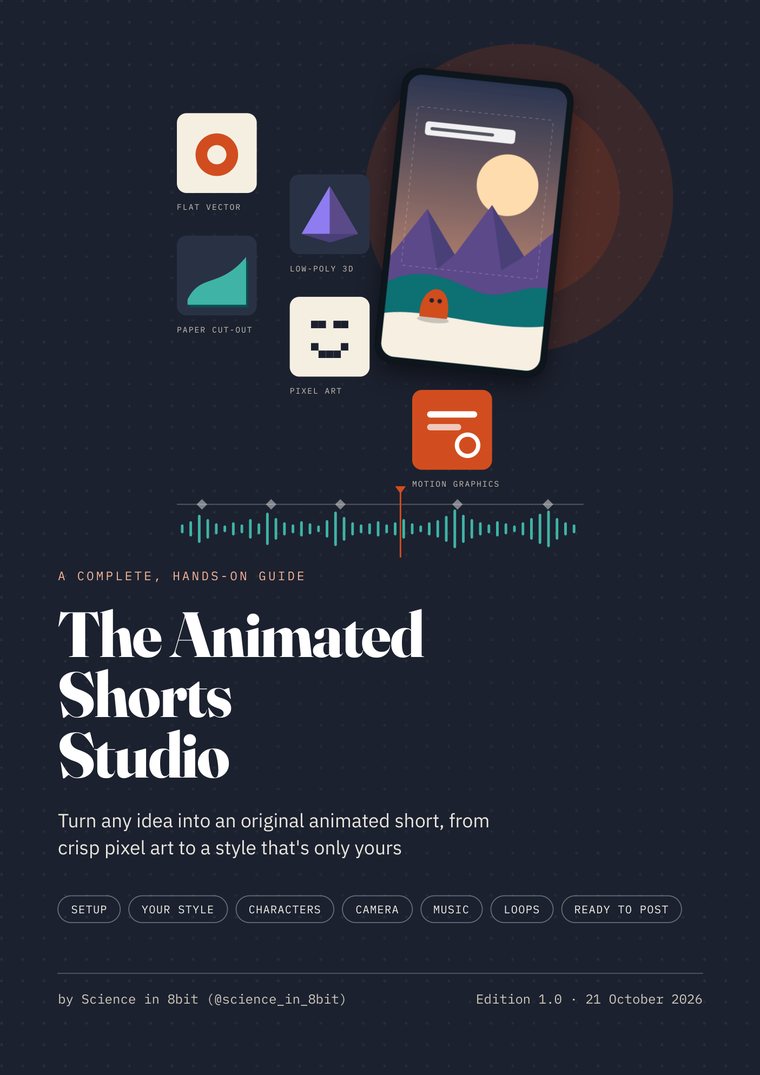
119 pages, Edition 1.0, 21 October 2026. A designed PDF, a web edition with one-click Copy buttons, and a plain-text edition.
Answer the Identity Interview once. Your answers become a style guide you test on your phone, and every short after follows it.

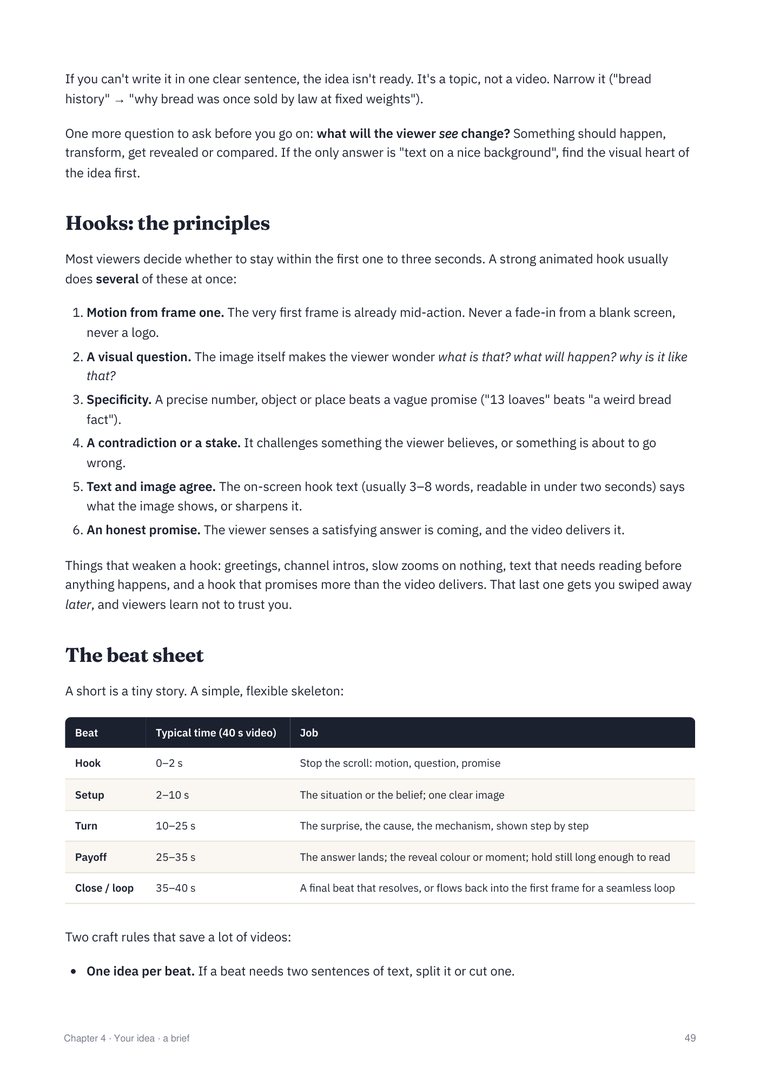
Bring one idea. It gets two sources per claim, a myth check and a one-sentence value test, then an opening hook and a beat sheet.
Characters, layered worlds and a moving camera come together scene by scene, with quick previews so you wait for the final version only once.

Your own music and sound effects, timed to what happens on screen and mixed to sound good on a phone speaker.

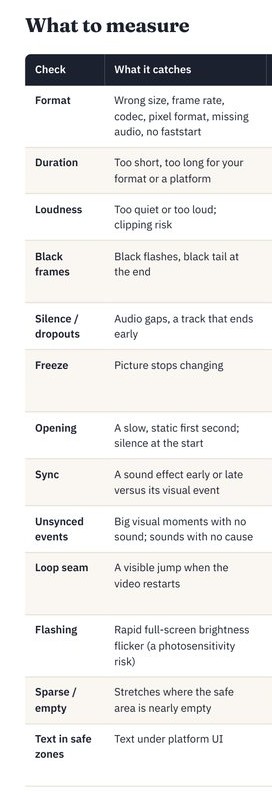
Checked for size, volume, sound timing, black or frozen frames, text placement and the loop seam. Then you press Post, in each platform's own app.
Page 7 What you'll make, who it's for and not for, what it costs, and an honest time table. Meet Pantry Lore.
Page 14 From an empty Mac, Windows or Linux computer to a working studio, with a check-your-setup list and a fix-it table.
Page 27 One folder per video, written studio rules, and reopening any old video to change one detail.
Page 37 Niche, audience, look, colour mood, characters, tone and music mood, turned into your style guide.
Page 47 Two sources per claim, a myth check, the value test, an opening hook and a beat sheet.
Page 53 Camera, depth and parallax, motion that settles, characters, readable text, loops and a designed cover.
Page 65 Original music and effects that land on what happens, at the right volume for each platform.
Page 76 Size, volume, black or frozen frames, silences, the opening, sound timing and the loop seam, plus a phone review.
Page 84 Specs and safe zones, captions and hashtags, posting with each platform's official app, and reading your first numbers.
Page 90 A realistic budget, honest expectations, licences for fonts and music, and each platform's disclosure rules.
All 29 building steps in one place, a glossary, troubleshooting, the first-video-in-a-day plan and printable checklists.
Starring your idea
Written by Science in 8bit · Edition 1.0 · 21 October 2026
One payment for the whole studio method, and every 1.x edition after it. Early bird with EARLYBIRD at checkout until 28 October 2026, with a week of DM support while you set it up. Then $79.
$49early bird, then $79
What you need: A Mac, Windows or Linux computer, and a paid subscription to the assistant the book uses (from about $20/month). The full setup is explained inside, step by step.
Companies of four or more people also need a paid company licence for one of the programs used. All sales are final, since it's an instant digital download; if your files don't arrive or a download is broken, email sciencein8bit@gmail.com and it's fixed right away.
A Mac, Windows or Linux computer, and a paid subscription to the assistant the book uses (from about $20/month). The full setup is explained inside, step by step.
A Mac with macOS 15 or later, Windows 10 or 11, or a Linux PC from roughly the last six years. 16 GB of memory is comfortable; 8 GB works with patience.
Pixel art is one of the looks your studio can make, with flat vector, paper cut-out, low-poly 3D, motion graphics and ink line art. The book doesn't teach drawing pixels by hand; it helps you define your look and keep it crisp and consistent in every video.
No. You follow the steps in order, starting from the very first install, and each step shows what you should see.
About one long, focused day from an empty computer, or a relaxed weekend: setting up, defining your style, then making your first video from your own idea. After that, each new short starts from one idea and takes an afternoon or less of your attention.
The plan above, from about $20 a month; a bigger one at $100 a month gives more room if you make several videos a week. Everything else is free for individuals and teams of up to three, including the music, which you make yourself.
From you, and you press Post. Your idea gets fact-checked, tested in one sentence, given a hook and turned into a plan; if it doesn't hold up, you get a narrower, true version to make instead. You post each video yourself with each platform's official app.
No, on purpose. If a thousand buyers got the same style and characters, none of them would stand out. You get a process that builds your style and your characters from your answers.
Nobody can promise that, and we don't. The guide makes you able to turn ideas into original, well-made videos and to read your first numbers honestly. Growth depends on your ideas, your niche, your consistency and the platforms.
Anyone after guaranteed views or income, fully hands-off faceless channels, photorealistic fake people, deepfakes or cloned voices, or automating logins, comments or engagement. The book uses each platform's official app only, and it is independent of every platform.
All sales are final: the guide is an instant digital download. If your files don't arrive or a download is broken, email sciencein8bit@gmail.com and it's fixed right away. By buying, you get instant access to the digital files, and you agree that the right of withdrawal ends once the download starts.
Everyone can email for help with their system, the step they're on and a screenshot. Early-bird buyers also get a week of DM support at @science_in_8bit.

You already have the ideas. This guide gives you the studio that turns each one into an original animated short, in a look that's yours.
$49 until 28 October, then $79